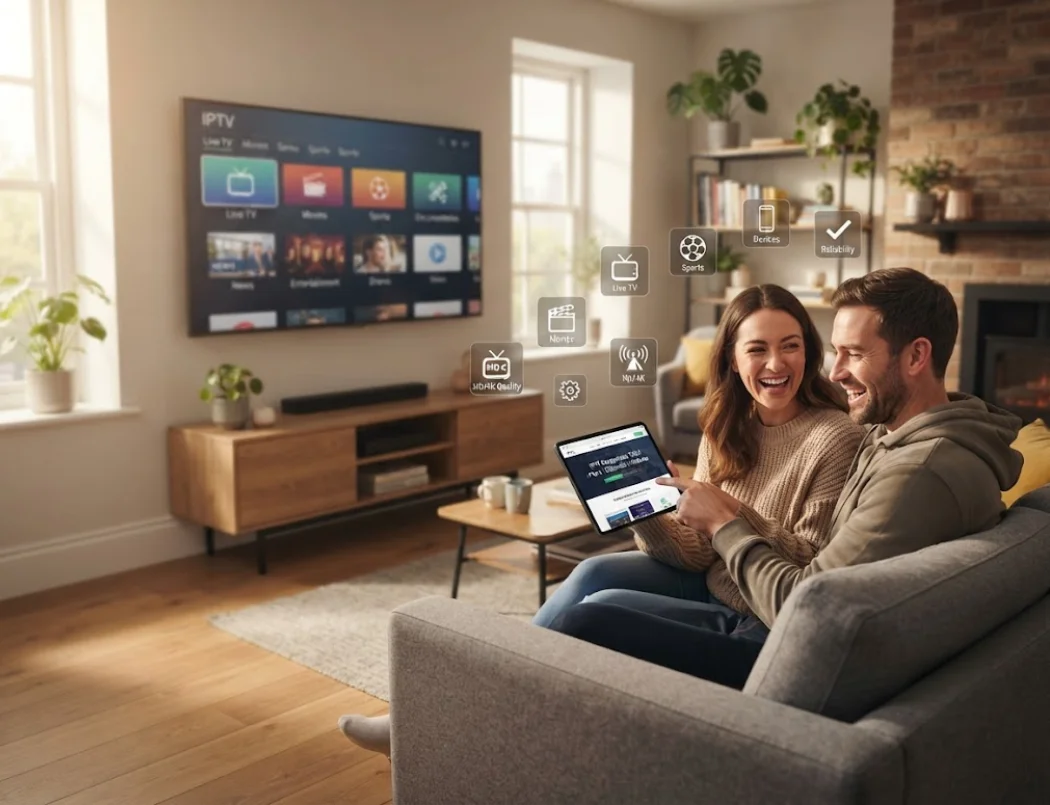
Key Takeaways
- Always prioritize uptime guarantees and server stability over sheer channel quantity.
- Test a provider with a free trial before committing to a 12-month plan.
- UK users should strongly consider providers that are VPN friendly to avoid ISP throttling during major sports events.
Switching to Internet Protocol Television (IPTV) is one of the smartest ways to upgrade your home entertainment while saving hundreds of pounds a year. However, with thousands of providers flooding the market, figuring out how to choose an IPTV service can feel incredibly overwhelming.
If you pick the wrong provider, you might end up dealing with endless buffering, poor picture quality, or channels that simply do not work when a big football match is on. To help you avoid these massive headaches, we have put together this straightforward, comprehensive guide.
We will walk you through exactly what to look for so you can find a reliable, high-quality IPTV service that fits your specific needs.
1. Prioritize Server Stability and Uptime
The single most important factor when choosing an IPTV service is server stability. Unlike traditional satellite or cable, IPTV relies entirely on internet servers to deliver live video directly to your screen. If a provider uses cheap, overcrowded servers, your stream will freeze during the most important moments of a live broadcast.
When evaluating a service, you must look for providers that guarantee at least 99.9% uptime. Premium providers use advanced "Anti-Freeze Technology" and load-balancing servers. This means that if thousands of people tune into the same channel, the server intelligently spreads the load to ensure smooth streaming for everyone.
The Network Speed Rule
Even the most expensive, elite IPTV servers cannot fix a slow or unstable home network. Ensure your home internet speed is at least 15 Mbps for standard HD and 25 Mbps for 4K streaming. We highly recommend plugging an Ethernet cable directly into your TV or box instead of relying on Wi-Fi.
2. Check the Channel Lineup and VOD Library
A massive channel count looks very impressive on a website, but quality always beats quantity. A service boasting 100,000 channels is completely useless to you if the 10 specific channels you actually care about are constantly offline or broadcast in low resolution.
Before subscribing to any service, thoroughly review the provider’s channel list. Make sure they offer:
- Premium Sports: Ensure they have dedicated, high-framerate channels for football, boxing, and racing.
- PPV Events: Reliable Pay-Per-View coverage without extra hidden fees.
- International Feeds: If you watch content from abroad, check for dedicated country categories.
- Video on Demand (VOD): A regularly updated, categorized library of movies and TV series (similar to the Netflix interface).
3. Ensure True Device Compatibility
How do you actually plan to watch your IPTV? Some people prefer using a dedicated Android box, while others want to stream directly through an app downloaded to their LG or Samsung Smart TV.
A top-tier IPTV provider will support a vast range of devices. Before you hand over your money, verify that the service works seamlessly with your preferred hardware.
| Device Type | Best App to Use | Setup Difficulty |
|---|---|---|
| Amazon Firestick | IPTV Smarters Pro / TiviMate | Easy |
| Android TV Box | TiviMate Premium | Easy |
| LG / Samsung Smart TV | IBO Player / Smart IPTV | Medium |
| MAG Box | Built-in Portal (Stalker) | Advanced |
If you are unsure how to configure your specific device, check if the provider offers a clear, step-by-step IPTV installation guide.
4. Don't Ignore the EPG and Catch-up Features
Have you ever scrolled through a TV guide to see what's playing next? That is called an Electronic Program Guide (EPG). An IPTV service without a working EPG is incredibly frustrating to use because you are essentially clicking channels blindly.
The best IPTV providers spend time and money keeping their EPG synced properly. Alongside this, you should look for a feature called Catch-up TV. Catch-up allows you to rewind live TV or watch broadcasts that aired up to 7 days ago. If you miss an important news broadcast or a soap opera episode, Catch-up TV lets you watch it instantly without searching the VOD library.
5. The Importance of VPN Friendliness (Crucial for the UK)
If you live in the UK, Internet Service Providers (ISPs) like Virgin Media, Sky, and BT are notorious for aggressively throttling (slowing down) IPTV traffic. They often block server connections completely during major live sports events, like Premier League weekends.
Because of this, using a Virtual Private Network (VPN) is practically mandatory. A VPN hides your streaming traffic from your ISP, preventing them from slowing you down.
When selecting a provider, you must confirm that their service is VPN friendly. Some cheap providers actually block VPN IP addresses to save on bandwidth costs. Always ask the support team if VPNs are allowed before purchasing.
6. Demand Excellent Customer Support
Technology is never perfect. Occasionally, a specific channel might go offline for maintenance, or you might struggle to configure a new viewing app. When this inevitably happens, you need a provider that answers your messages quickly.
Red Flags to Avoid
- Only offering a vague contact form.
- Taking longer than 24 hours to reply.
- No clear refund policy.
- Refusing to offer a free trial.
Green Flags to Look For
- 24/7 Live Chat or WhatsApp support.
- Clear, step-by-step setup tutorials.
- Active communication about server updates.
- A robust 7-day money-back guarantee.
Summary: Your Buyer's Checklist
Choosing the right IPTV service does not have to be a gamble. Never buy a 12-month subscription without testing the service first. Reputable providers will always offer a free IPTV trial or a very cheap 24-hour pass.
Use that trial period to test the service during peak hours (like a Saturday evening). Check the picture quality, flip through your favorite channels, and test a few VOD movies to see how fast they load.
The Final Checklist
- Does it guarantee 99.9% uptime with Anti-Freeze tech?
- Does it have the specific sports and premium channels I watch?
- Is there a working EPG and Catch-up TV?
- Can I use my VPN with the service?
- Do they offer quick support via WhatsApp or Chat?
Frequently Asked Questions
Why does my IPTV constantly buffer in the evening?
Evening buffering is usually caused by two things: either your ISP is throttling your internet connection during peak hours, or your IPTV provider has overloaded their servers. Using a VPN solves ISP throttling, while switching to a premium provider solves server overload.
Can I use one IPTV subscription on multiple TVs in my house?
This depends entirely on the provider. Many standard plans only allow one connection at a time to prevent account sharing. If you want to watch on multiple TVs simultaneously, you will need to purchase a multi-room subscription plan.
What is the best internet speed for streaming live 4K sports?
While 15 Mbps is fine for standard HD, you need a highly stable connection of at least 25 Mbps to stream 4K sports without freezing. A hardwired Ethernet connection is strongly advised over Wi-Fi for live sports.